

A standalone report about a dirty restroom, a full waste bin, or a broken dispenser doesn't have to be left unresolved. With these 9 tips, you can forward user reports faster to the right person responsible within your cleaning company, facilities team, or site management.
Always ask for the location, a photo, the type of problem, and the urgency. A clear reporting system links the report directly to the right cleaner, team leader, or technical service. This prevents a complaint from traveling through multiple colleagues.
Work with fixed responsibilities, quick notifications, priorities, and clear feedback. By logging and following up on reports, you identify patterns such as recurring pollution. This helps you act faster and keeps users satisfied.
What are user notifications within cleaning management
User reports are signals from employees, visitors, tenants, or customers regarding cleaning, hygiene, damage, stock, or safety. Examples include a full waste bin, a wet floor, an empty soap dispenser, a dirty restroom, or glass shards at an entrance. Within a professional cleaning organization, the speed with which such a report reaches the appropriate responsible party determines whether a minor issue quickly disappears or escalates into a complaint, safety risk, or negative evaluation.

At Schoonmaakbedrijf Groene Hart, user reports function as part of facility management, quality control, and daily communication. While reports used to often be handled via written records, the phone, or reception, mobile apps, QR codes, WhatsApp Business, email, and digital work orders now ensure a much shorter route. The core remains the same: the right information must go directly to the right person, at the right time, and with clear follow-up.
Why prompt follow-up on cleaning reports is important
Prompt response to reports enhances the perception of cleaning quality and supports a safe working environment. A spilled liquid in an office, healthcare practice, or company restaurant requires immediate action. A report regarding periodic floor cleaning can often be resolved within the regular schedule. By making this distinction immediately, you prevent unnecessary delays, miscommunication, and duplicate work.
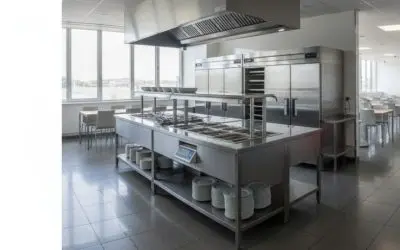
A clear reporting procedure is indispensable, especially in healthcare facilities, hospitality, logistics, education, real estate, and offices. In a medical practice, hygiene protocols and infection prevention apply. In a restaurant kitchen, food safety and HACCP play an important role. If you manage a hospitality location, read more about the professional cleaning of hospitality kitchens and the impact of early detection on a hygienic workspace.
The 9 tips to get user reports to the right person faster

- Create one central reporting point: Choose a recognizable channel where all user reports are received. This can be a QR code at the location, a reporting app, a phone number, WhatsApp Business, or a digital service portal. Multiple separate routes often result in lost reports.
- Always ask for location and spaceA notification such as “dirty toilet” takes time when it is unclear which toilet is involved. Allow users to select the building, floor, room, zone, or sanitary group. A clear location speeds up assignment to the correct cleaning staff member.
- Use fixed notification categories: Categorize user reports by cleaning, sanitary facilities, waste, stock, flooring, glass, damage, odor, pest control, and safety. With this structure, reporting software can automatically assign the correct responsible person, site manager, or facilities coordinator.
- Work with urgency levels: Assign a priority to notifications, such as immediate, today, or scheduled. A wet floor, sharp objects, or severe soiling requires immediate attention. A report regarding dust on a cupboard can be included in the next cleaning round.
- Add photos to the reportA photo prevents differences in interpretation. The person responsible immediately sees whether a cleaning cloth, scrubber-dryer, disinfectant, waste container, or additional resources are needed. This immediately improves the initial approach.
- Link alerts to zones and teamsDivide a building into logical work areas, such as the entrance, office wing, pantry, restrooms, warehouse, and outdoor space. Assign each zone to a fixed team or contact person. This ensures that a report does not get stuck with someone who does not work at that location.
- Set up automatic notificationsUse push notifications, SMS, email, or WhatsApp to immediately alert the appropriate person responsible. Also set up an escalation: if an urgent report is not addressed within an agreed time, site management automatically receives a signal.
- Confirm receipt and completionThe reporter wants to know that something is being done with the user report. An automatic acknowledgment of receipt builds trust. After execution, a completion notification follows with a brief explanation, optionally including a photo. This makes the service visible and measurable.
- Discuss recurring reportsAnalyze weekly which reports recur frequently. Many reports about empty towel dispensers may indicate incorrect refilling times. Complaints about floors may mean that the frequency, choice of products, or walking route needs to be adjusted.
What information should a good cleaning notification contain?
A complete user report prevents back-and-forth phone calls. It is wise to keep the report form short, but to request sufficient information for a targeted solution. Use simple language, clear buttons, and a mobile-friendly form. This works well for employees on the shop floor, receptionists, property managers, and visitors.
- Type of notification: Choose, for example, sanitary facilities, waste, floor, glass, odor, stock, damage, or safety risk.
- Exact locationNote the building, floor, department, room number, or recognizable area such as the pantry or main entrance.
- Urgency: Indicate whether immediate action is required or if the report can be resolved during a scheduled round.
- Description: Briefly describe what is going on, such as “soap dispenser empty” or “liquid near elevator”.
- Imagery: If possible, add a photo so that the cleaning crew arrives prepared.
How We Work
How we work
Non-binding intake
We discuss your situation, wishes and requirements by telephone or email/WhatsApp.
Tailor-made offer
You will receive a clear quote within one working day, fully tailored to your location and needs.
Start services
After approval, we immediately schedule the first cleaning round, always flexible and customer-oriented.
Quality and evaluation
Periodic checks, reports and consultations ensure that the level always remains high.
Digital tools for rapid report follow-up
A good facility management system connects users, cleaning teams, site management, and the client. QR codes enable easy reporting. A visitor scans the code at the restrooms and submits a report within seconds. The information is then sent to a digital dashboard, where the report is assigned based on location, category, and urgency.
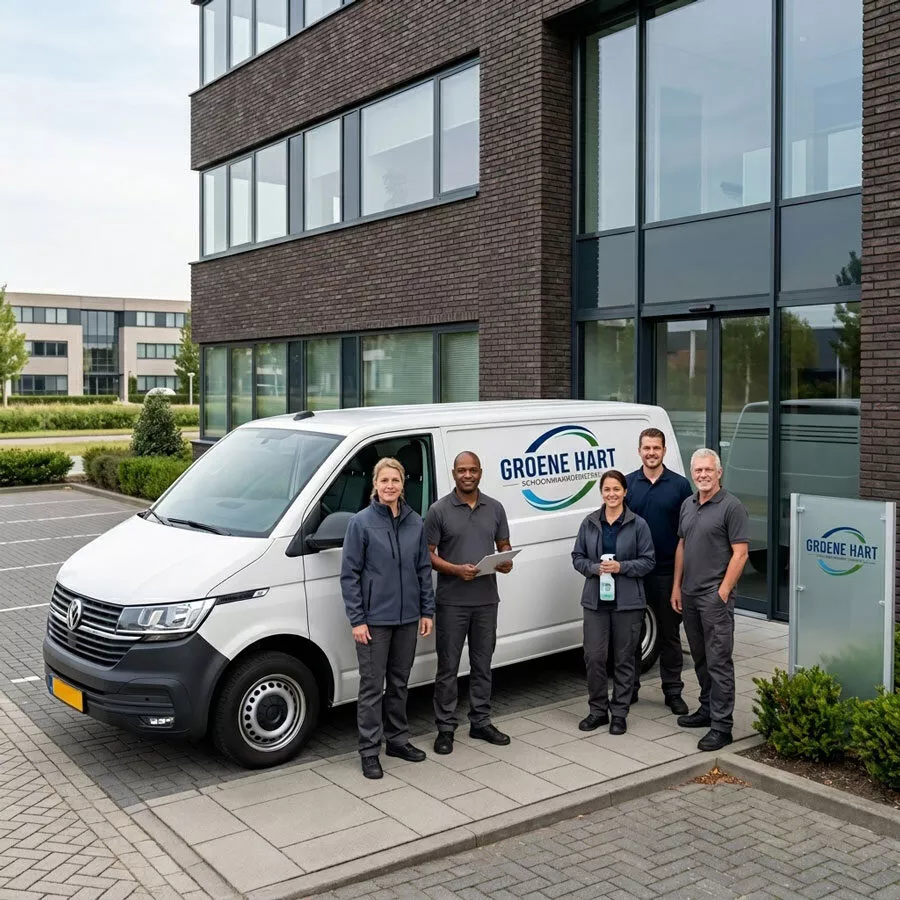
Many organizations use a combination of work order software, planning tools, mobile phones, and dashboards with KPIs. Key performance indicators include response time, resolution time, number of open reports, number of repeat reports, and customer satisfaction. By discussing this data monthly, you can identify areas for improvement in processes. Schoonmaakbedrijf Groene Hart offers customized cleaning, certified personnel, transparent pricing, and a dedicated contact person for business locations throughout the Netherlands.
This is how you set up a clear process for user notifications
- Notification receivedThe user reports a problem via the agreed route and receives immediate confirmation.
- Assess report: The system or the coordinator checks location, urgency, category, and required action.
- Assign responsible personThe report is forwarded to the regular cleaning team, site management, or a specialized partner.
- Register execution: The person responsible notes which action has been taken and adds a photo where necessary.
- Check qualityThe client or site manager checks the handling and uses the data for improvements.
At an office location, a receptionist can report a full waste bin in the entrance. Thanks to predefined zones, that report goes directly to the team working in the building at that moment. At a healthcare practice, a report regarding hygiene in a treatment room can be automatically sent to a responsible person with the appropriate instructions. For more information about structured report follow-up within commercial buildings, you can view office and facility cleaning.
From a single complaint to measurable cleaning quality
User reports are more than just isolated complaints. They provide insight into the daily experience of everyone who uses your premises. A high number of reports in the same location can indicate insufficient cleaning frequency, an inconvenient walking route, insufficient sanitary supplies, or poor planning. By combining reports with inspection rounds, quality measurements, and customer feedback, a reliable picture of the service provided emerges.
Cleaning Company Groene Hart helps organizations with sustainable and environmentally friendly cleaning, 24/7 emergency service, and availability via WhatsApp. If you want user reports followed up faster with a clear working method, dedicated contact persons, and transparent agreements, you can request a quote for the rapid response to cleaning requests.
Frequently asked questions
1. How do you ensure that a cleaning request reaches the right person responsible immediately?
Have every user submit a report via a single fixed channel, such as a QR code on location, a digital reporting form, or a central service line. Always ask for the location, room, type of problem, a photo, and urgency. This prevents a report like "dirty toilet" from ending up with the wrong colleague without further investigation.
Assign each space to a designated person responsible, such as a site manager, cleaning staff member, technical service, or facilities coordinator. Schoonmaakbedrijf Groene Hart uses a clear division of tasks per building, floor, and work area. As a result, a full waste bin in the entrance is handled differently than a leak or a hygiene issue in a sanitary area.
2. What information should you request for a cleaning notification?
A good user report contains at least the exact location, the type of cleaning problem, the time, and the desired urgency. Think of details such as building B, second floor, ladies' restroom, soap dispenser empty. With a photo, the person responsible can more quickly assess what action is needed and whether immediate materials or additional staff are required.
Make the form short, but smart. Let users choose from recognizable categories such as waste, sanitary facilities, flooring, glass, odor, stock, or damage. This structure acts as a triage process: reports are automatically sorted and reach the right cleaning crew or site manager faster. This shortens response time and prevents unnecessary back-and-forth phone calls.
3. How do you determine the urgency of a cleaning complaint?
The urgency is determined based on safety, hygiene, accessibility, and user impact. A wet floor, glass damage, flooding, or a contaminated toilet posing a health risk requires immediate attention. A stain on a hallway floor or a nearly full waste bin can usually be resolved during the regular cleaning round.
Work with three clear priorities: act immediately upon risk, address serious nuisance on the same working day, and schedule for routine maintenance. Establish a response time for each priority in service agreements. This way, users know what to expect, and the person responsible knows when escalation is necessary. Furthermore, regular analysis of reports reveals which areas structurally require extra attention.
4. Why does a QR code help resolve cleaning requests faster?
A QR code on a toilet door, in an elevator, or at a waste disposal point makes reporting easy the moment the problem is noticed. The user does not need to search for a phone number, send an email, or type an extensive description of the location. The QR code can link directly to the correct report form for that specific area.
This immediately provides the person responsible with reliable location data and prevents confusion in large offices, schools, healthcare facilities, and multi-tenant office buildings. A practical example is an empty towel dispenser: the user scans the code, selects stock, and sends the notification. The cleaning staff member receives the task immediately, refills the dispenser, and registers the solution for quality control.
5. How do you prevent cleaning reminders from being overlooked?
Prevent backlogged reports by establishing ownership, follow-up, and control. Every report must be assigned a status, such as received, assigned, in progress, and resolved. Send an automated notification to the responsible party and a reminder when the agreed response time is about to expire. This ensures that no complaint remains invisible in a general inbox.
Discuss recurring weekly reports with the site manager and look for patterns. Many complaints about the same restroom may indicate insufficient cleaning times, a defective dispenser, or peak usage. After completion, ask users if the problem has been resolved. This feedback increases trust, improves cleaning quality, and helps Schoonmaakbedrijf Groene Hart to continuously improve its services in a measurable way.